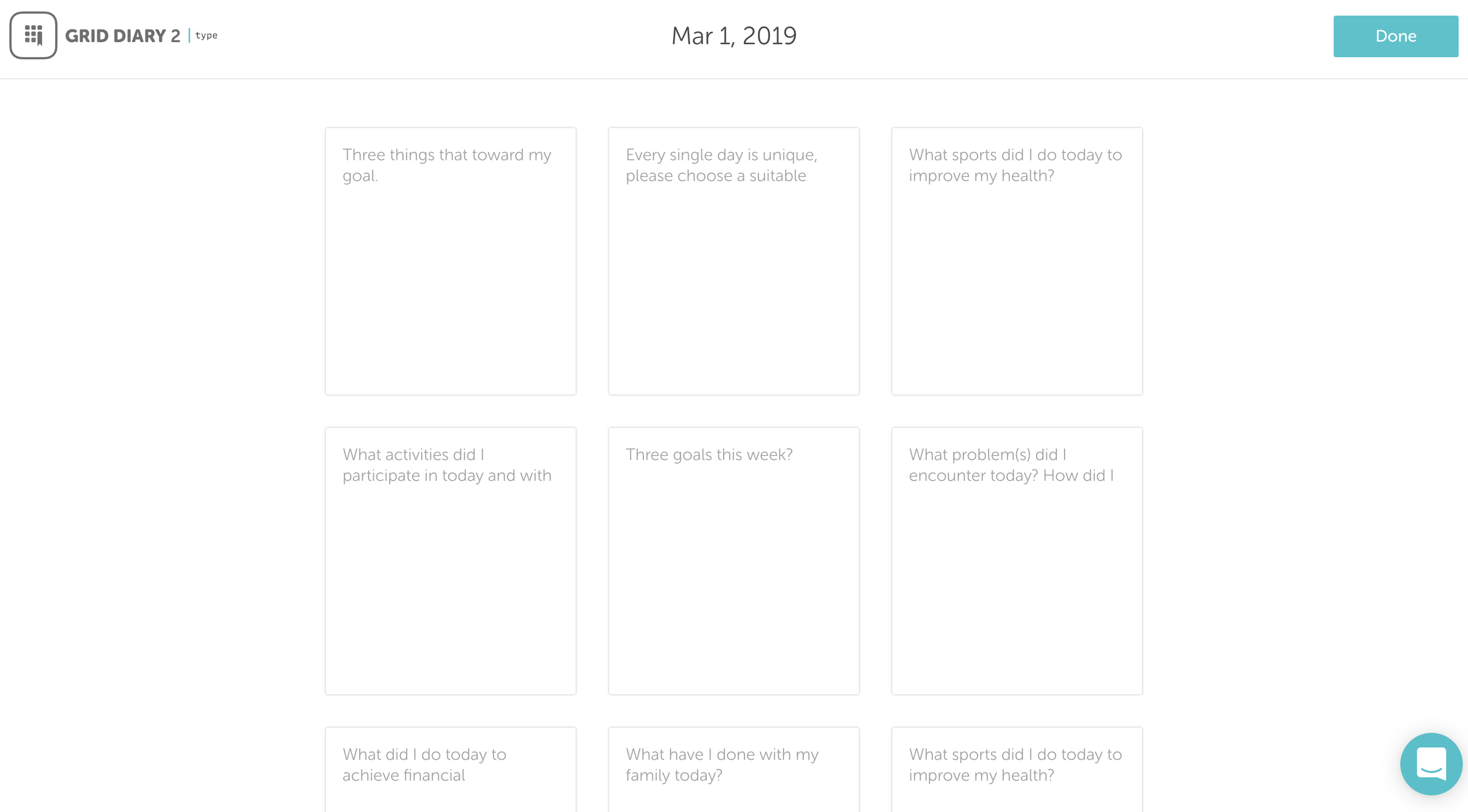

Cloud Input
A temporary tool to type entries on a computer using a physical keyboard
Cloud Input is a temporary convenience helper designed to let you type your current journal entries on a computer web browser using a physical keyboard. Please note that Cloud Input is not a continuous, real-time cloud sync service; it is simply a temporary utility to transfer typed text into your active app editor for a comfortable writing experience.
Cloud Input only supports text entry. Attaching images or other media files is not supported.
How to Set Up Cloud Input
Follow these simple steps to temporarily connect your device and write:
- Open the Web Portal: On your computer or tablet browser, go to type2.sumi.io.
- Access Cloud Input in Grid Diary: On your mobile device, open the Grid Diary app, navigate to the Grid View, and tap the + (Plus) icon in the upper-right corner.
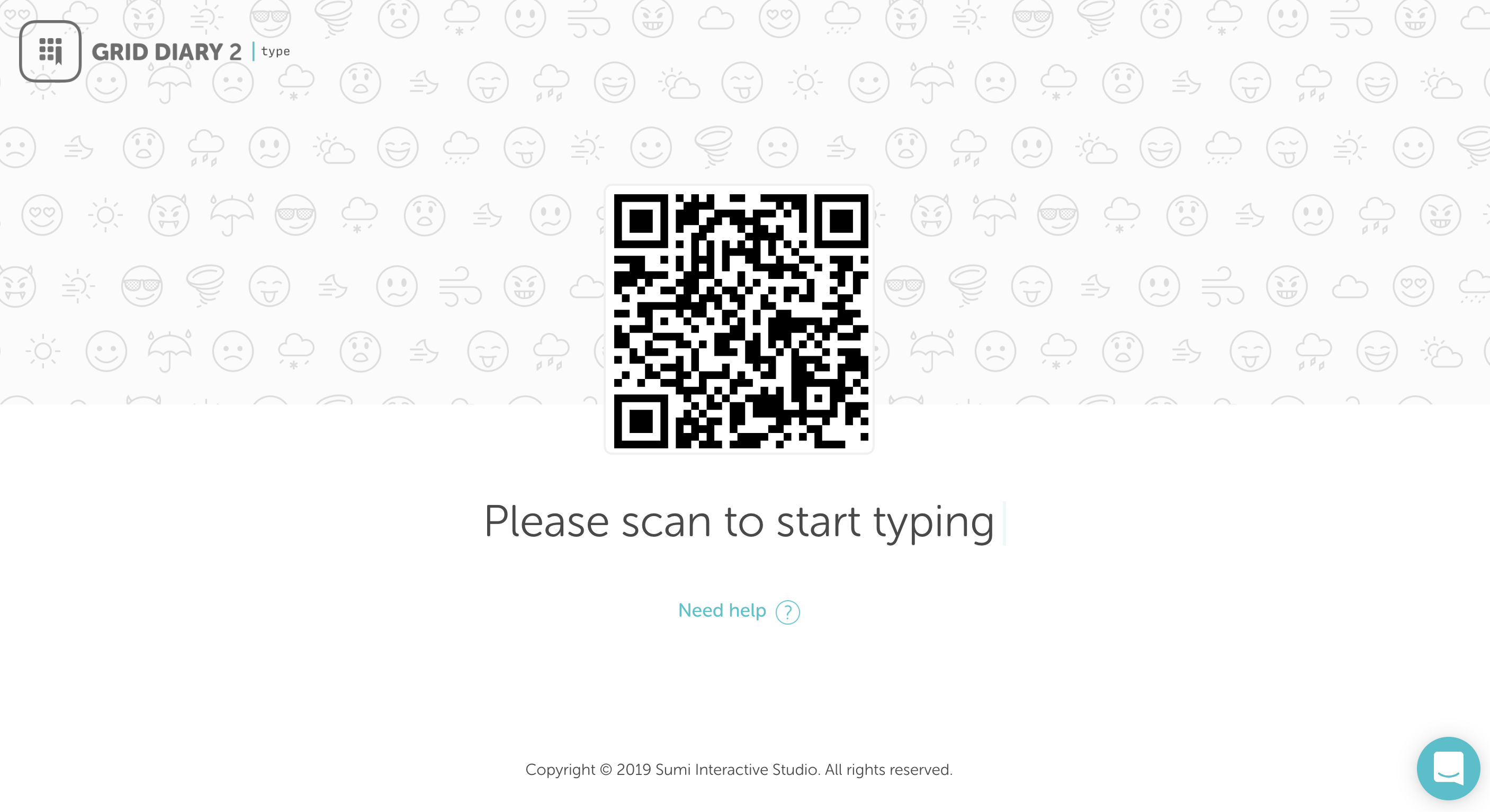
- Scan the QR Code: Select Cloud Input from the menu and scan the QR code displayed on the website.
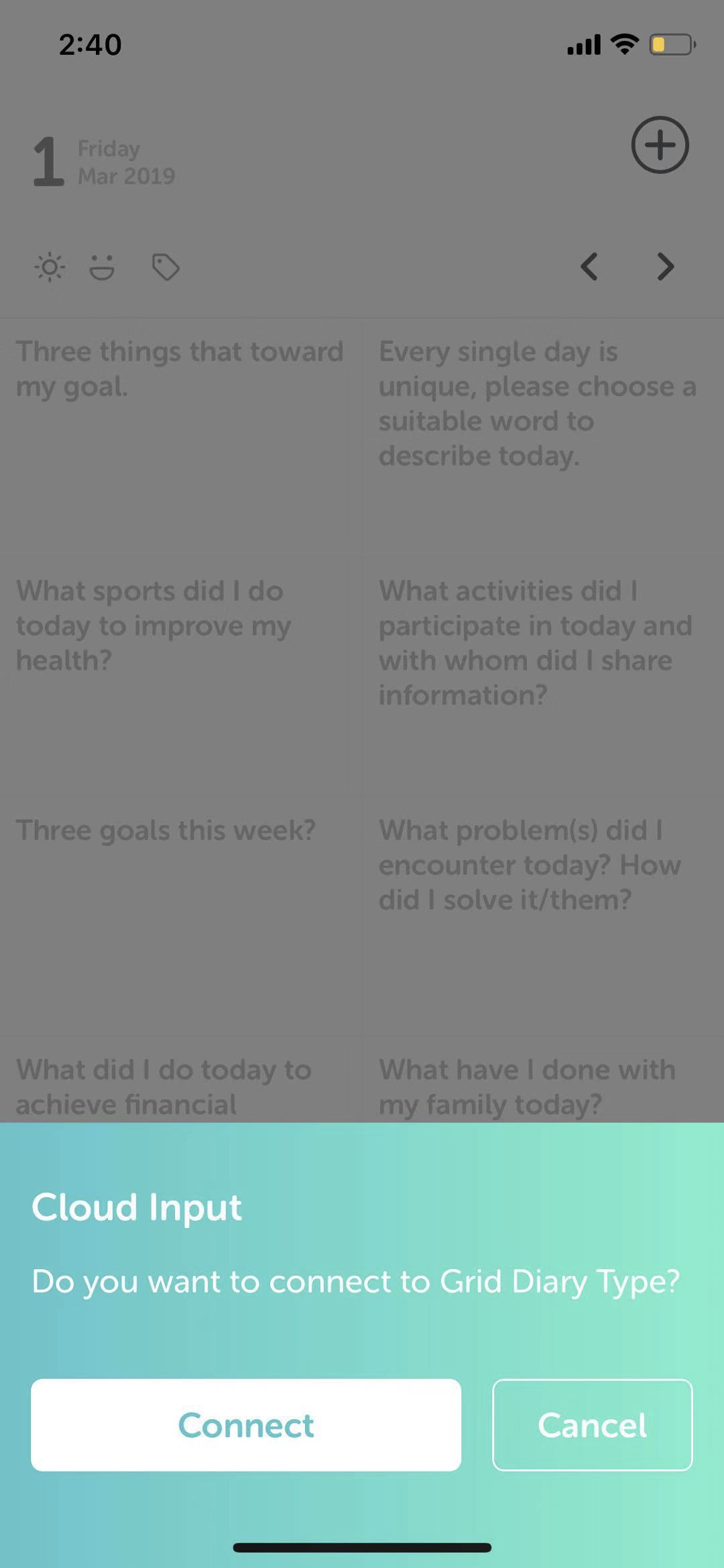
- Connect the Devices: Back on your mobile device, tap Connect to establish the temporary link between the browser and the app.
- Start Writing: You're all set! You can now type your entry in the web browser, and the text will transfer directly to the active editor inside your Grid Diary app.