

Templates
Customize your journaling structure
Templates are the structural layout and containers for your Grids. While grids serve as the atomic unit of writing, templates group multiple grids together to give your diary layout and structure.
As outlined in Grid Diary's Design Philosophy, templates act as the structural bridge that maps your customized grids into different time Dimensions (Daily, Weekly, Monthly, Yearly) inside your Journals.
Creating & Editing Templates
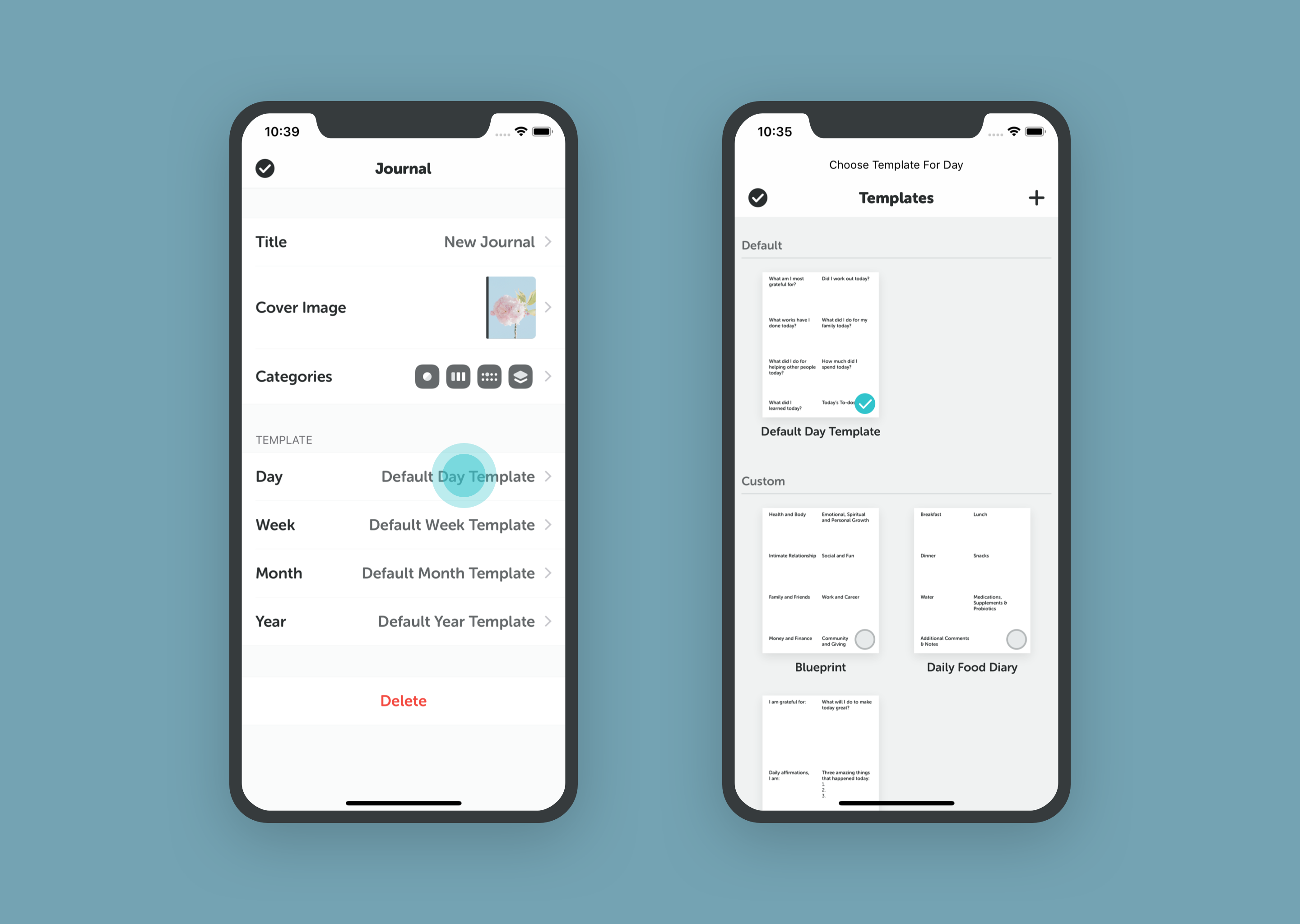
- Go to Settings (Me Tab) > Templates.
- Tap the "+" button to create a new template from scratch.
- Or tap an existing template to edit it.
Free Version: Limited number of custom templates. Membership: Create unlimited custom templates.
Applying Templates
You can assign specific templates to different journals or even different days.
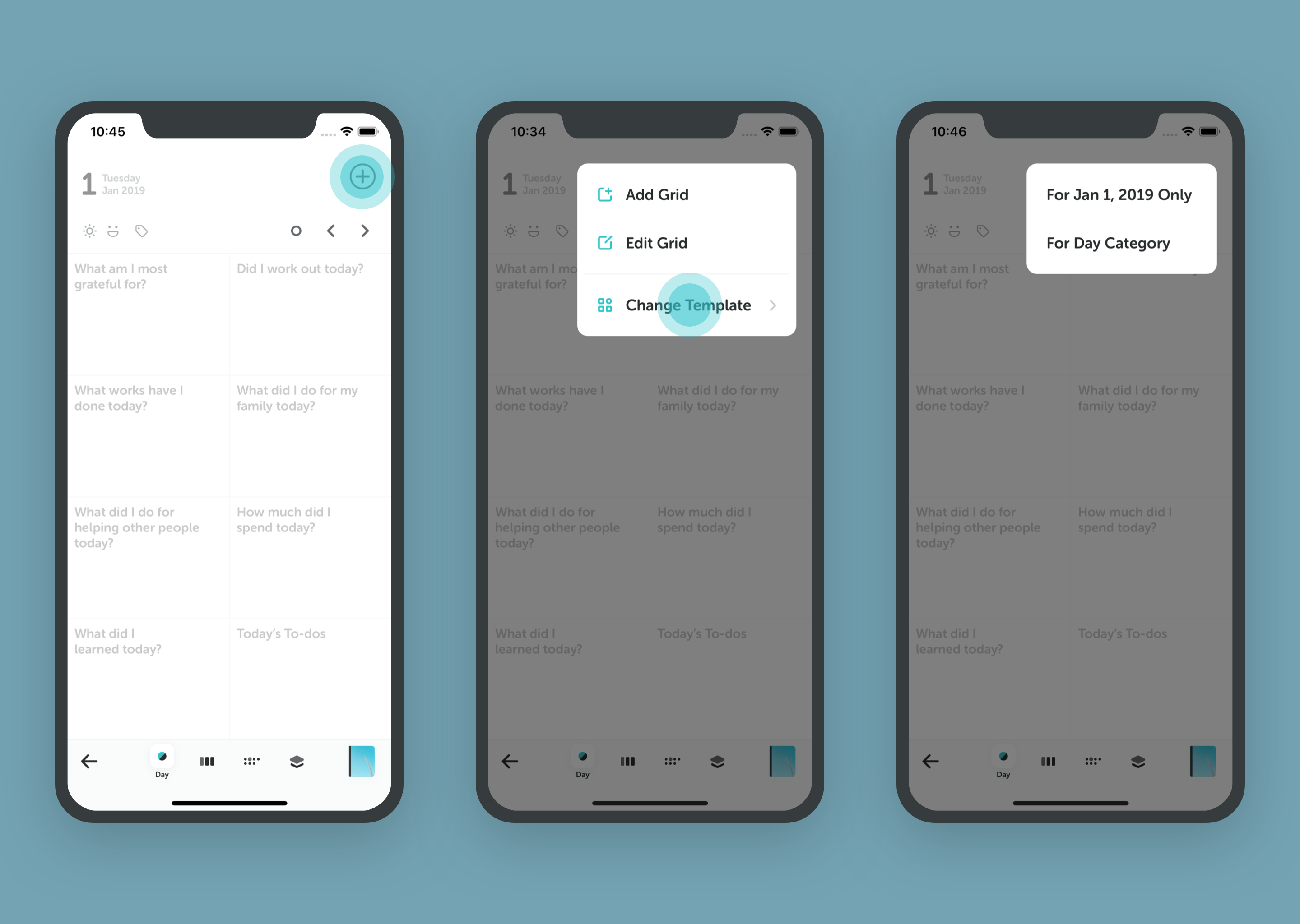
- Open a journal entry.
- Tap the "+" icon in the top right.
- Select Change Template.
- Choose one of two options:
- For [Date] Only: Applies the template to just this specific entry.
- For Day Category: Applies the template to all future daily entries.
Built-in Library
Grid Diary comes with a library of preset templates for various use cases:
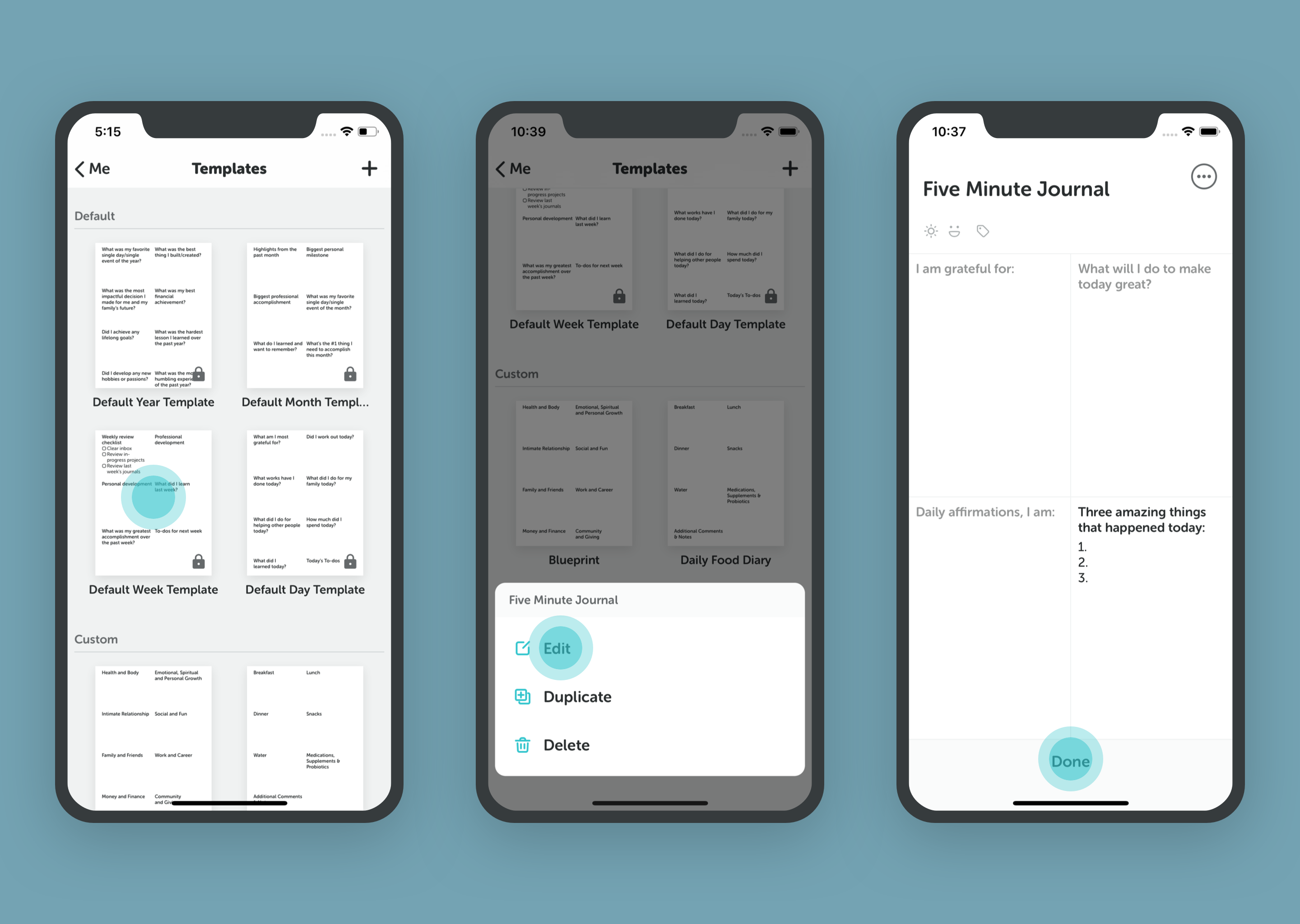
- Morning Routine
- Weekly Review
- Gratitude Journal
- And more...
Timeline-Specific Templates
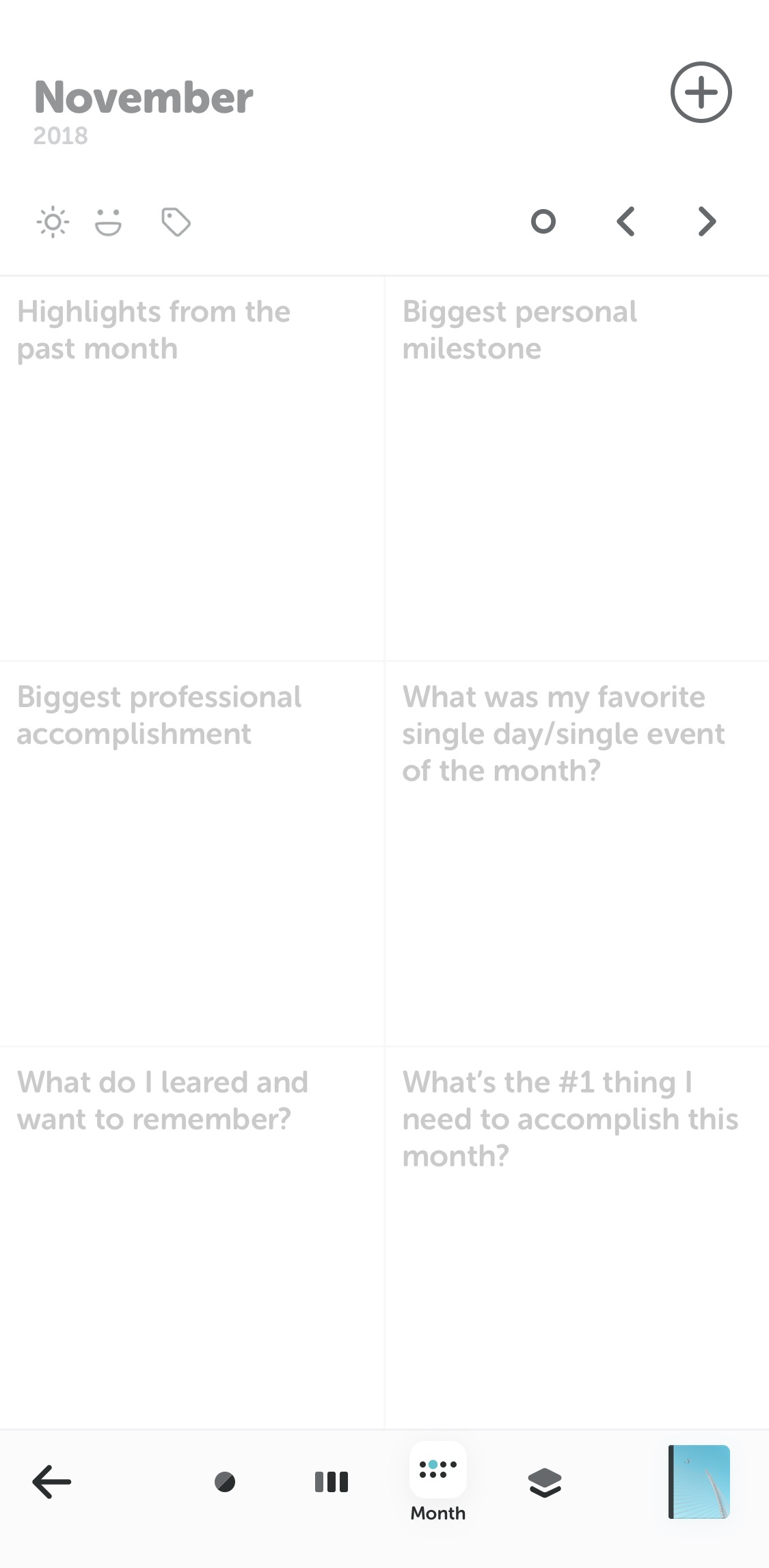
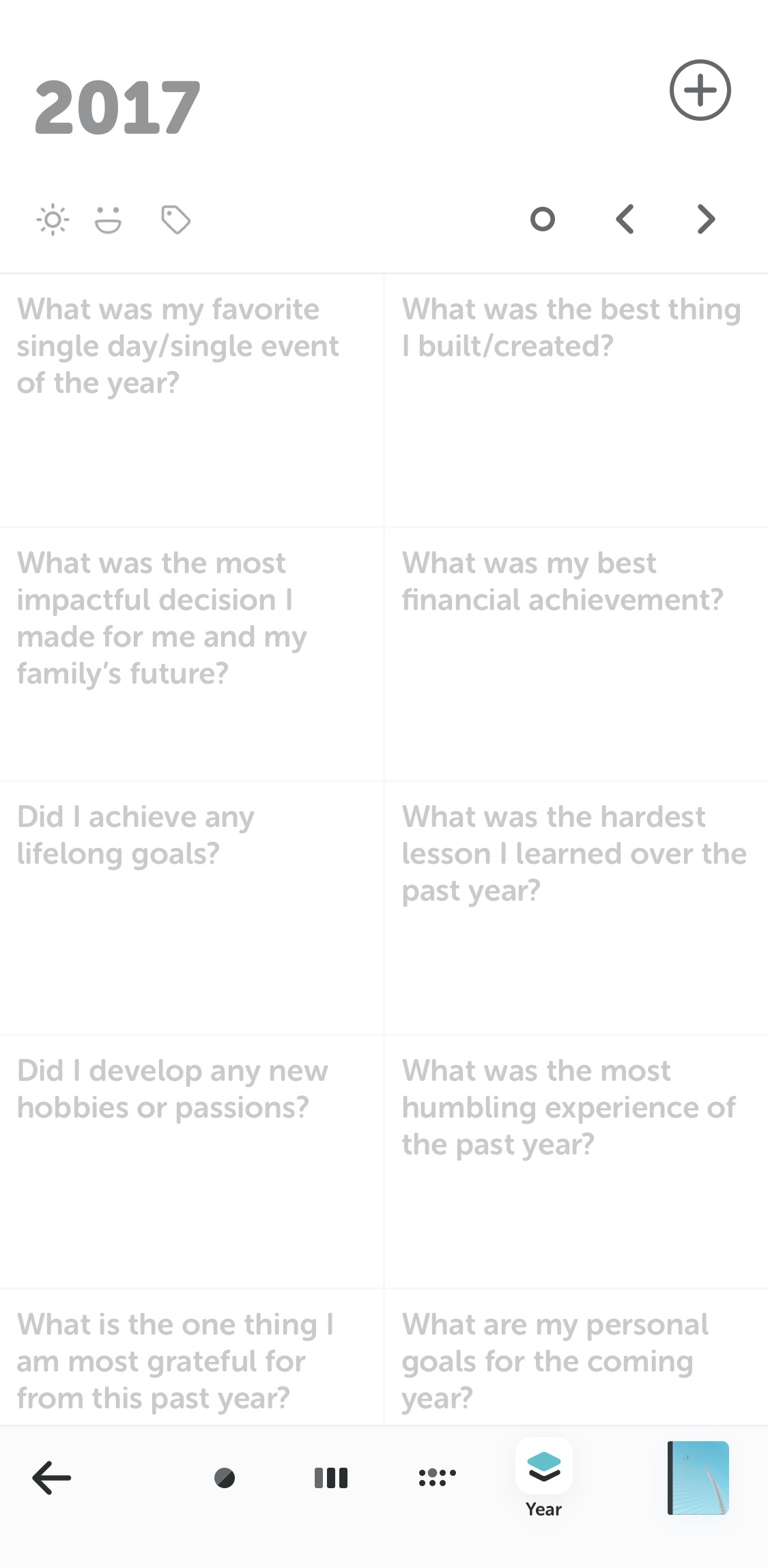
Different time dimensions call for different kinds of reflection. Grid Diary provides specialized templates tailored for Daily, Weekly, Monthly, and Yearly scales, helping you connect short-term habits with long-term goals.
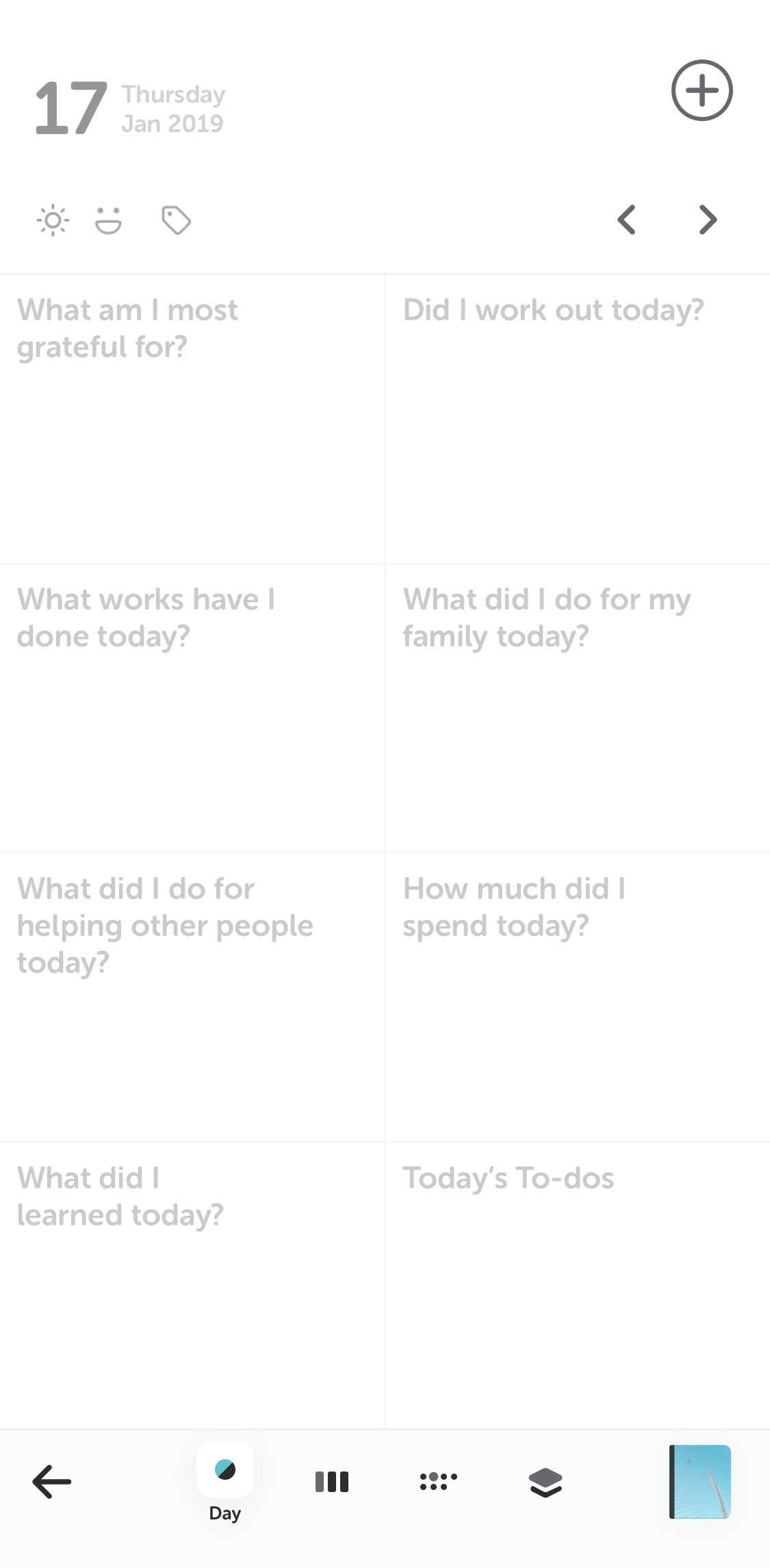 Daily
Daily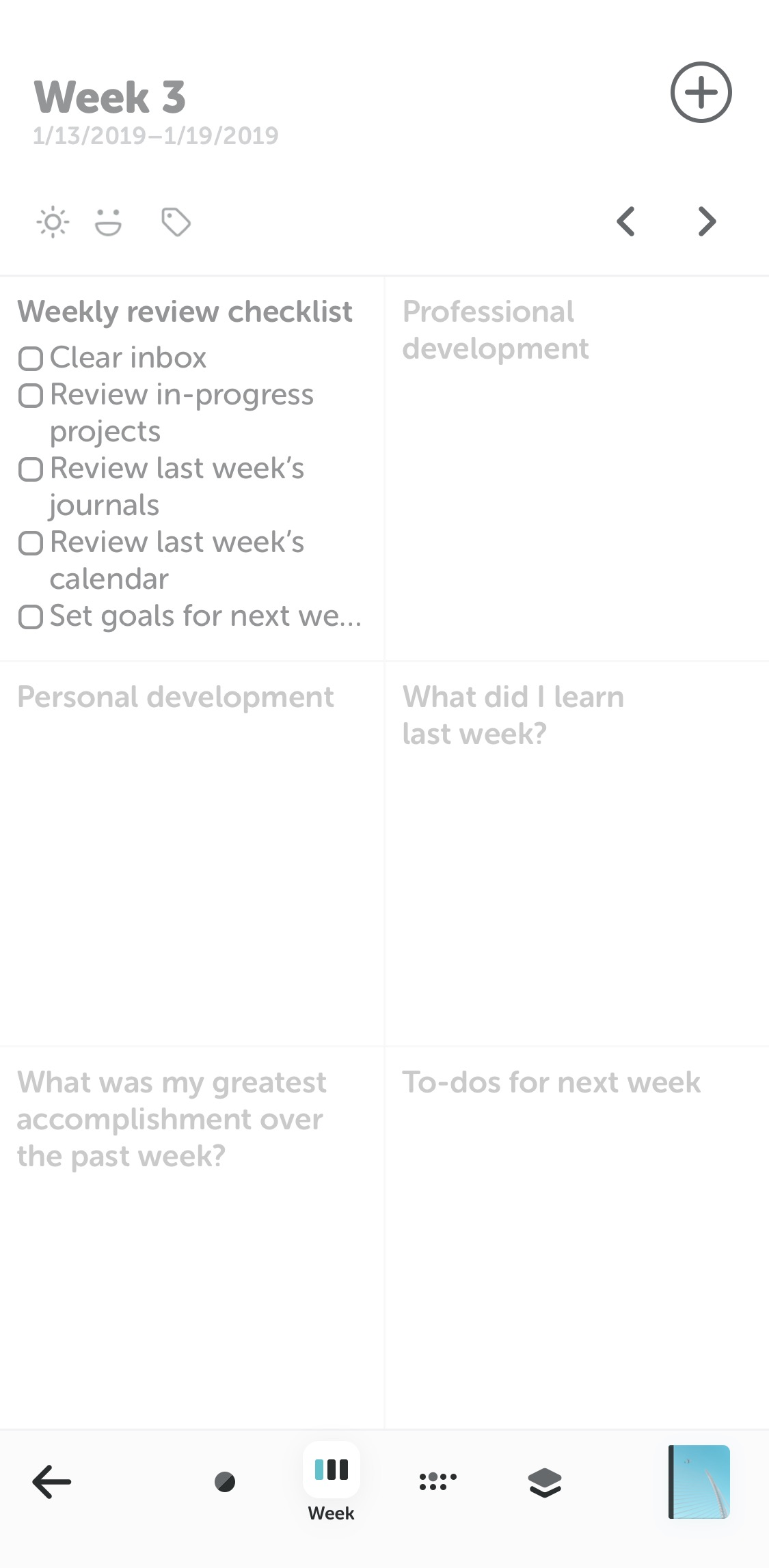 Weekly
 Monthly
 Yearly