

Search & Explore
Rediscover your memories
Explore Page
The Explore tab is your personal analytics dashboard. It helps you visualize your journaling data.
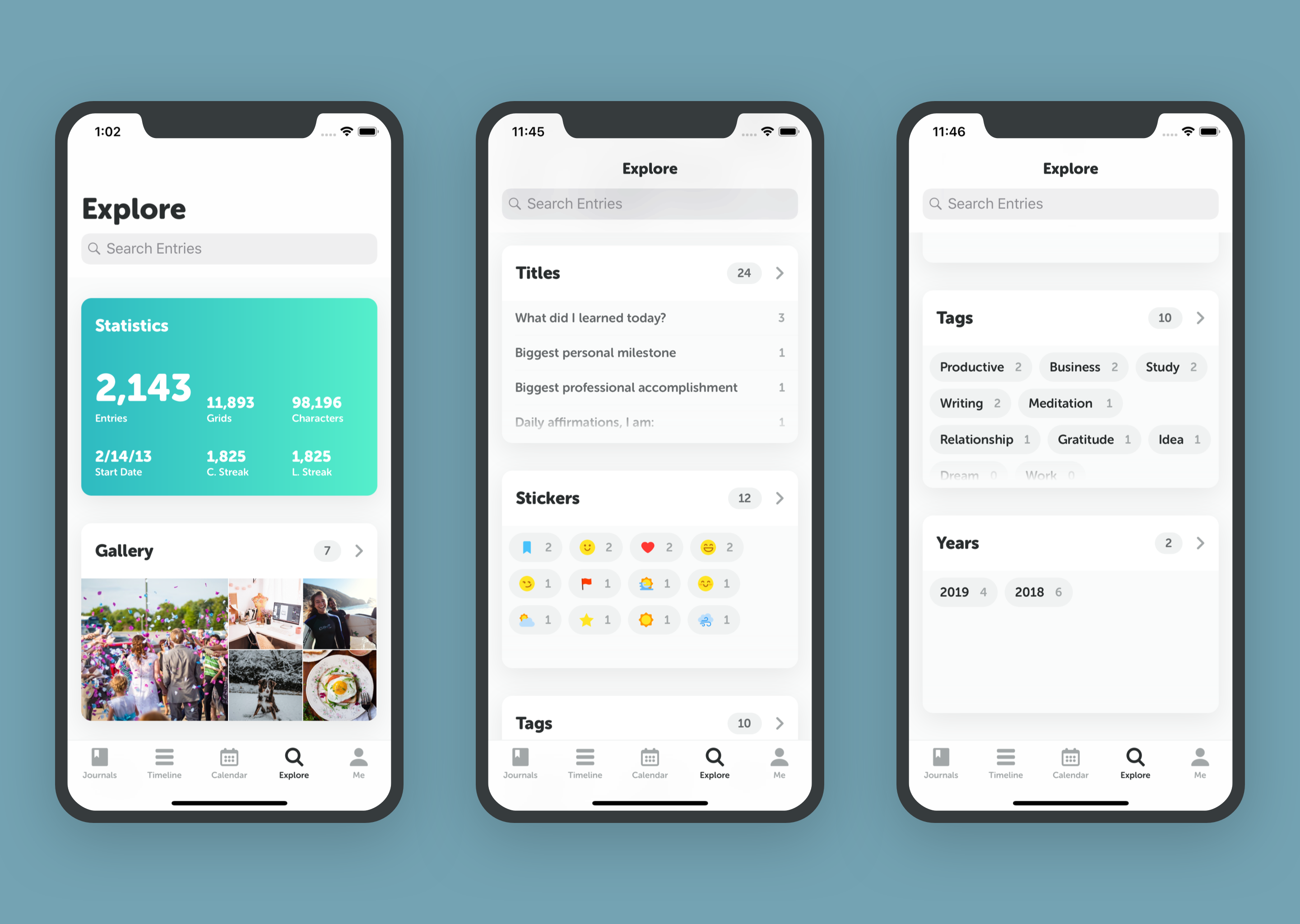
- Statistics: Track your total entries, word count, current streak, and longest streak.
- On This Day: See what you wrote on this day in previous years.
- Media Wall: Browse all your photos in one gallery.
Search
Looking for something specific?
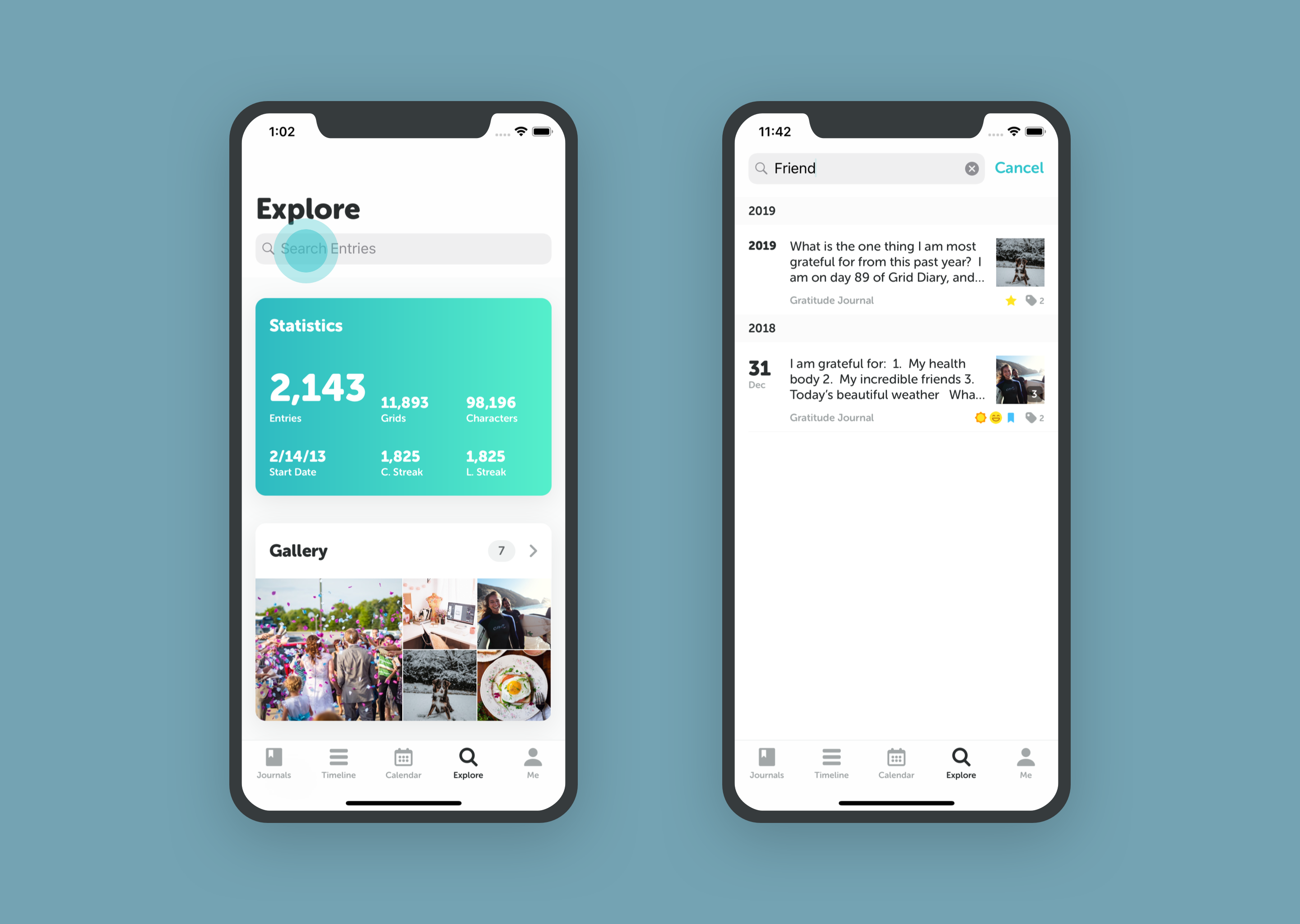
- Go to the Explore tab.
- Tap the Search Bar at the top.
- Enter keywords to find specific entries.
Filters
You can filter your view in the Timeline, Calendar, and Search results. Tap the Filter icon to narrow down by:
- Journal: View only a specific journal (e.g., "Work").
- Tags: Show entries with specific tags (e.g., "#grateful").
- Stickers: Find entries by mood or weather.
- Date Range: Focus on a specific year or month.