

Media & Attachments
Enrich your entries with photos and more
A picture is worth a thousand words. Grid Diary lets you attach media to your entries to capture the full moment.
Adding Photos
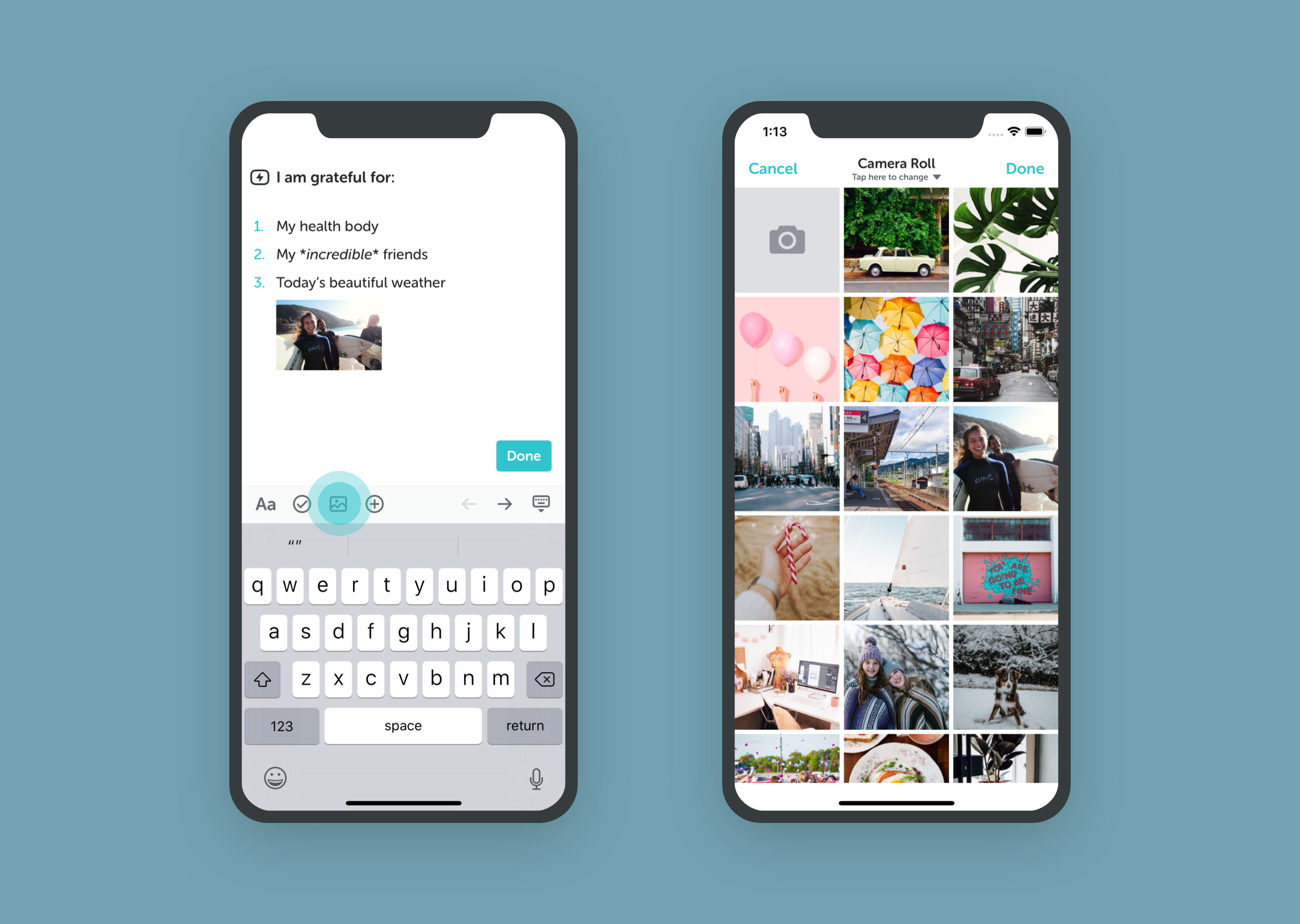
- While editing a grid, tap the Image Icon in the toolbar.
- Select Choose from Library or Take Photo.
- Allow access to your photo library if prompted.
Drag & Drop on iPad & Mac: You can drag and drop images directly from other apps into the editing area to attach them.
Free Version: Limited number of photo attachments. Membership: Unlimited photo attachments.
Managing Attachments
- View: Tap an image to view it in full screen.
- Delete: Long-press an image to remove it.
- Gallery: View all your photos in the Explore tab's Media Wall.