

Tags & Organization
Categorize your entries for easy retrieval
Tags add a layer of organization to your diary, allowing you to track themes across different journals and dates.
Managing Tags
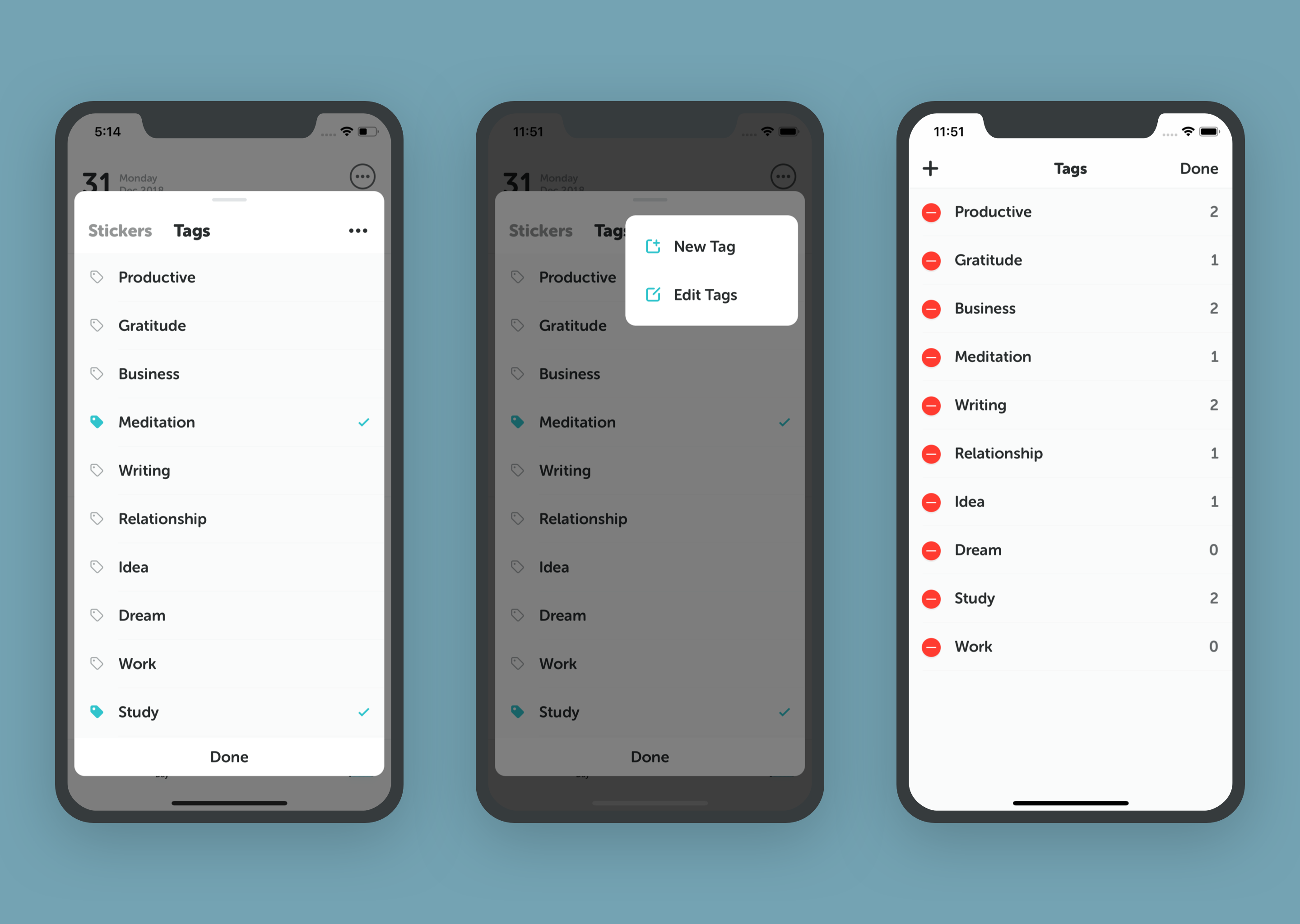
Adding Tags
- When viewing a day, tap the Tag Icon (🏷️) under the date header.
- Select existing tags or type to create a new one.
Editing Tags
- Tap the "..." in the tag selection window.
- Here you can rename, delete, or reorder your tags.
Using Tags
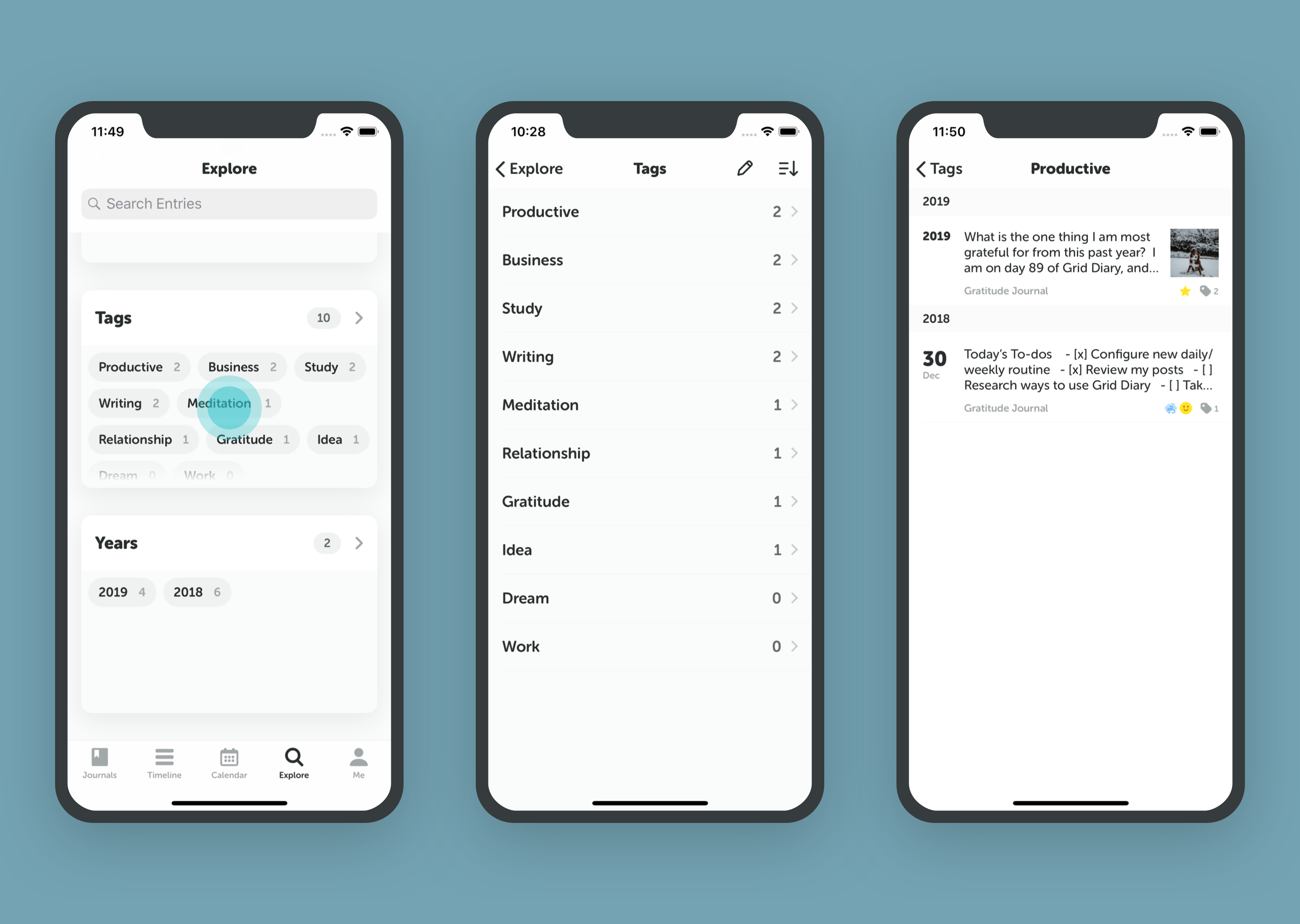
- Filtering: Use tags to filter your Timeline and Calendar.
- Exporting: You can export all entries associated with a specific tag.
- Reviewing: See how often you use specific tags in the Explore tab.